Time
Freezing, stepping, bots-only freeze, slow motion and live-session safety.
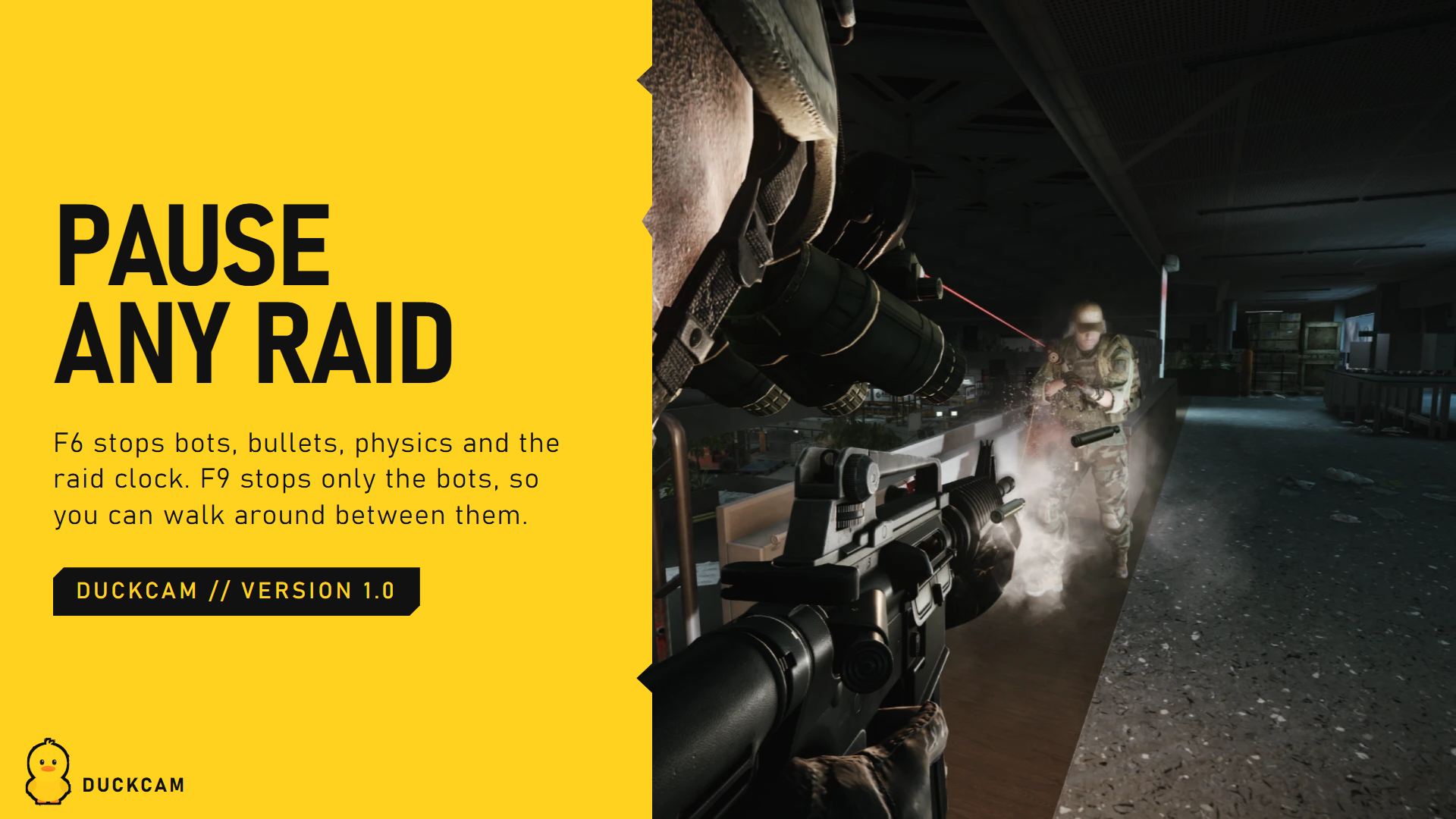

Frozen vs live
| Frozen (F6) | Live (F5) | |
|---|---|---|
| Bots, physics, bullets | Stopped | Running |
| Raid clock | Paused (time is given back when you leave) | Running |
| You can be hurt | No | Only if Live Damage Protection is off |
| Your PMC | Doesn't move | Can keep playing (F1 switches control) |
Scene shows which one you're in. Resume Raid > Unfreeze switches a frozen session to live, and F6 inside a live session freezes it.
Step Frames
Let the world run a few frames, then freeze again. Perfect for catching a grenade mid-air or a bot mid-step. 1. Set Frame Step Count (1 or more frames). 2. Press Step Frames > Step.
Freeze Bots Only (F9)
Every bot stops in its exact pose (AI, movement, animation, shooting), while you, time, weather and physics keep going. You can walk right up to them. - Their AI is not reset. While frozen they hear nothing and ignore footsteps, shots, hits and bodies. When released they carry on and only react to what they can see from then on. - Frozen Bots Can't Be Hurt (on by default) protects them while frozen. - F9 again, or the raid ending, releases them.
Release them while they can see you and they will react like any bot would. Move out of sight first.
Speed
| Row | What it does |
|---|---|
| Slow Motion | Slows the whole raid (live sessions). F4 toggles it |
| Game Speed | How slow, in percent |
| Raid Clock Follows Speed | The raid timer also slows down, so slow motion doesn't eat your raid time |
| Raid Time Saved | How much raid time DuckCam has given back so far |
Live session controls
| Row | What it does |
|---|---|
| Mouse Controls Camera | Mouse and WASD drive the camera, not your PMC. F1 switches |
| Block PMC Keys | Stops camera keys (Space, Ctrl, Q, E...) from also making your PMC jump, crouch or lean |
| Live Damage Protection | Shows whether you're protected while unsnapped |
Session > End
Leaves DuckCam and undoes every change.